Leshem Yichud tefillin card
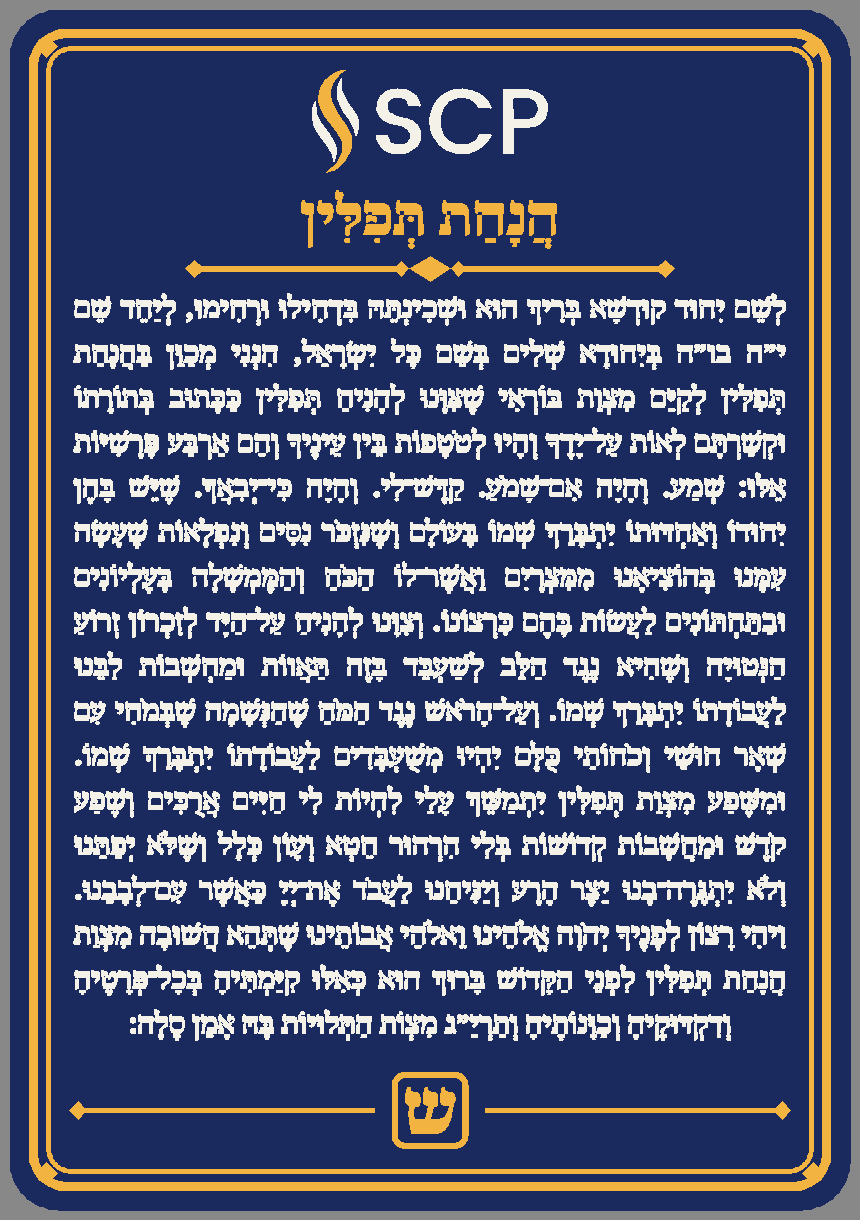
לְשֵׁם יִחוּד · הֲנָחַת תְּפִלִּין
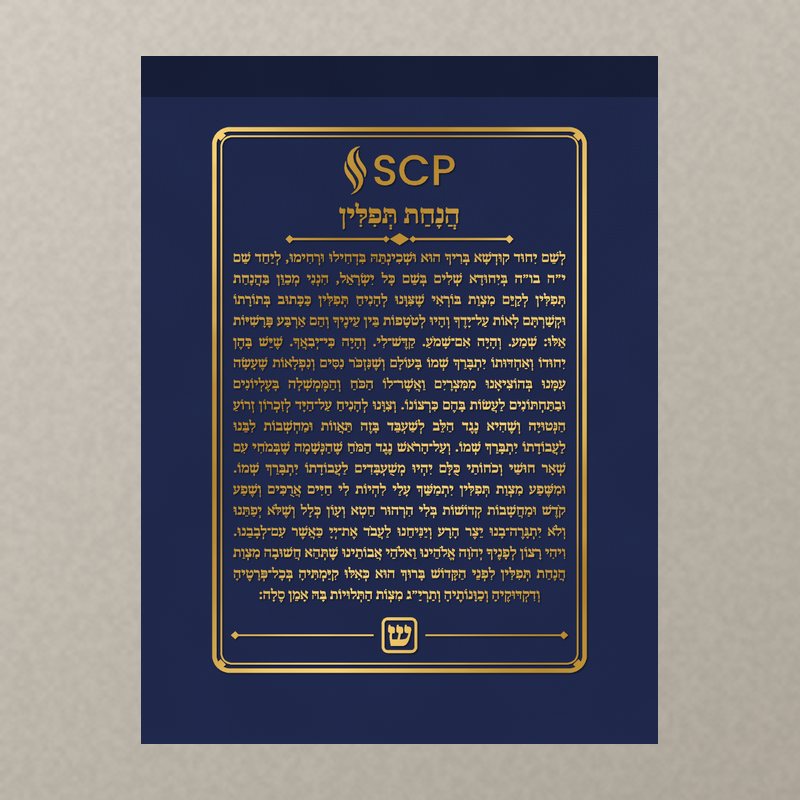
The full Leshem Yichud said before putting on tefillin, with nikkud, raised in white on a navy card inside a gold double frame, with the SCP logo on top and the shin of the tefillin bayit at the bottom. On the back goes a mirror, for checking the shel rosh sits centred. Three colours, made for the Bambu A1 mini, with a bigger version for 256 mm printers. It lives in the tefillin bag.
More designs: Heichal, bookmark, Luchot ↓Laser, vinyl, embroidery ↓Print shops: quote a bulk run (Hebrew) →
Standard size shown. Drag to orbit, scroll to zoom.
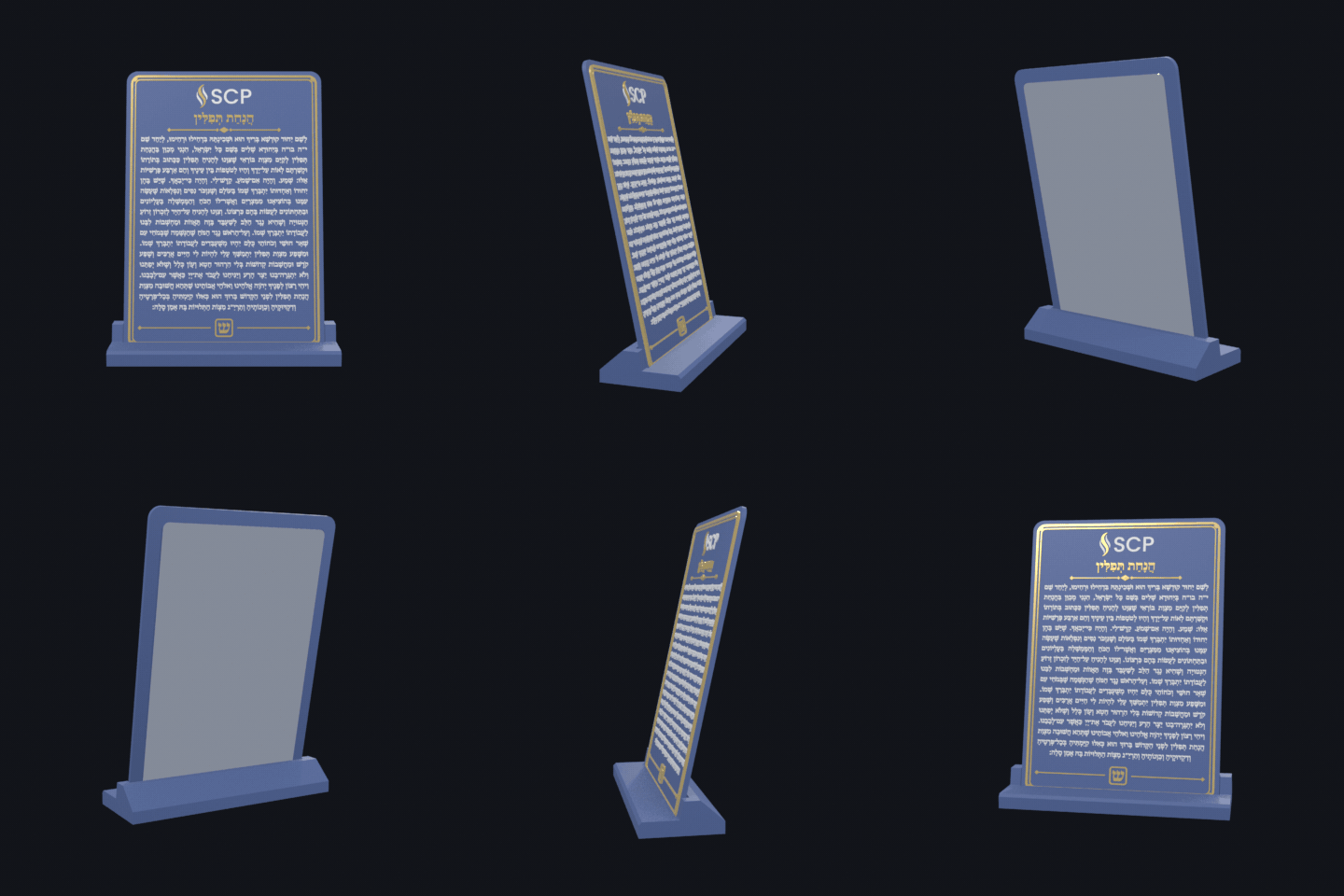
A spinning GIF of the card on its stand, to share.
⬇️ Download GIFMore designs
The same Leshem Yichud in other shapes, each with its own stand. All three print on the A1 mini, with the same three-colour trick: the accent stands taller than the text, so two filament swaps do it without an AMS.
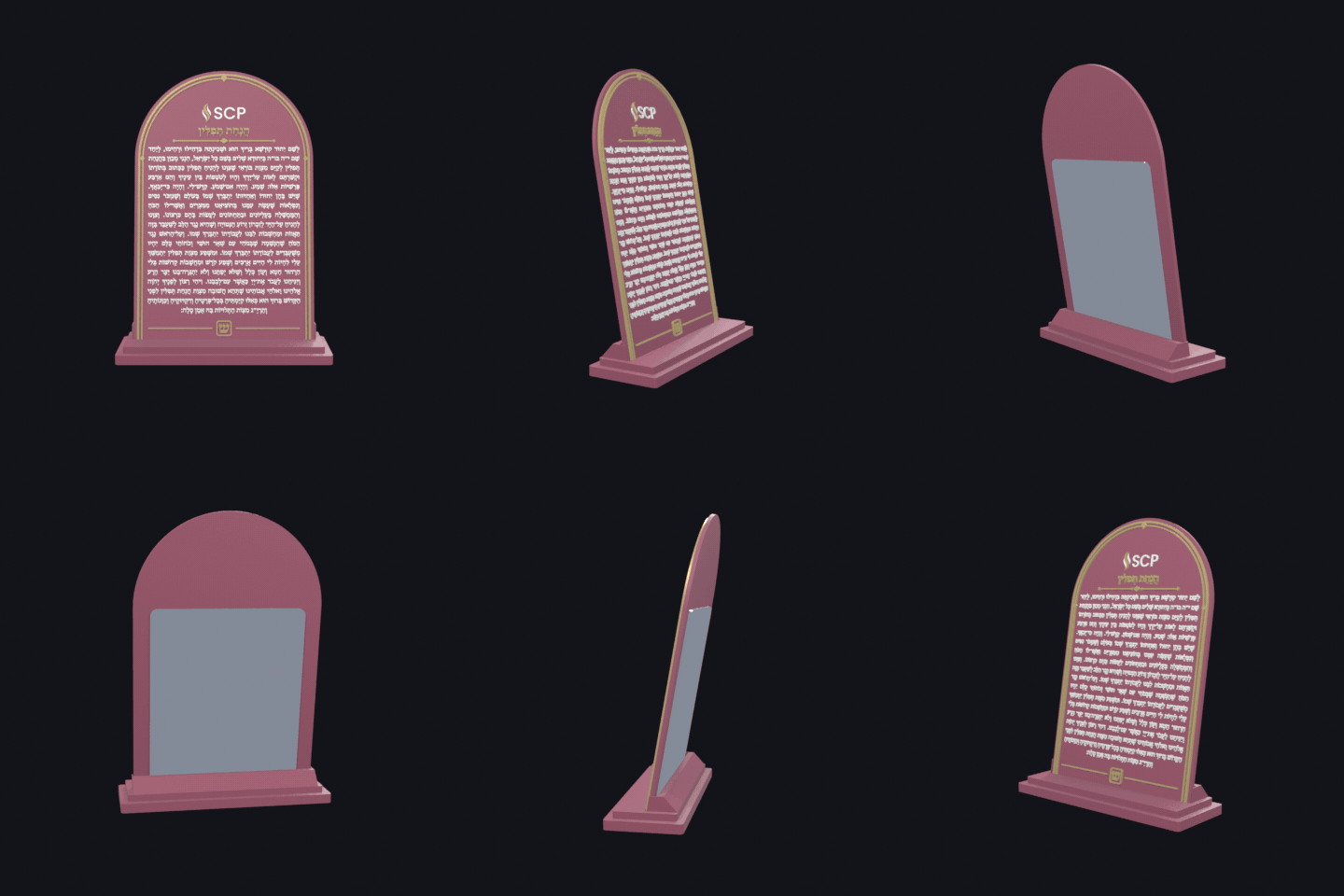
Heichal
הֵיכָלArched like the doors of an aron kodesh, with a keystone over the logo. It stands on a stepped pedestal, like the steps up to the ark.
- Card
- 80 × 125 × 2.6 mm
- With AMS
- ≈ 55 m · 20.1 g
- No AMS: pause at
- layers 9 and 12
- Body text
- 2.72 mm
- Back mirror
- 66 × 78 mm
- Stepped pedestal stand
- ≈ 35 m · 12.1 g
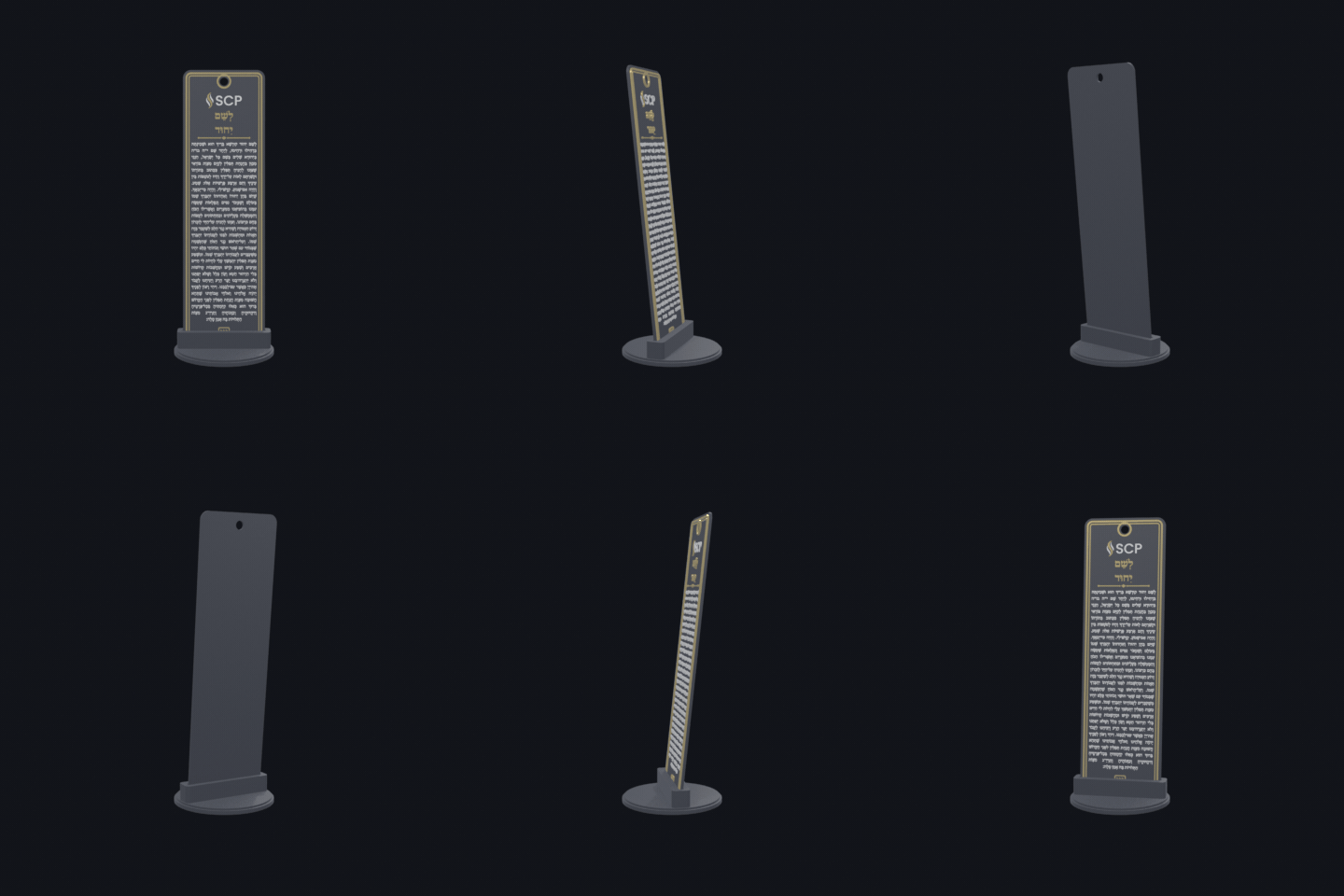
Siddur bookmark
סִימָנִיָּהA slim bookmark that lives in the siddur, with a hole at the top for a ribbon or tassel. Its stand is a round disc with a slot, so it can stand on the shelf too.
- Card
- 50 × 170 × 2.4 mm
- With AMS
- ≈ 50 m · 16.4 g
- No AMS: pause at
- layers 8 and 11
- Body text
- 2.46 mm
- Round disc stand
- ≈ 27 m · 8.8 g
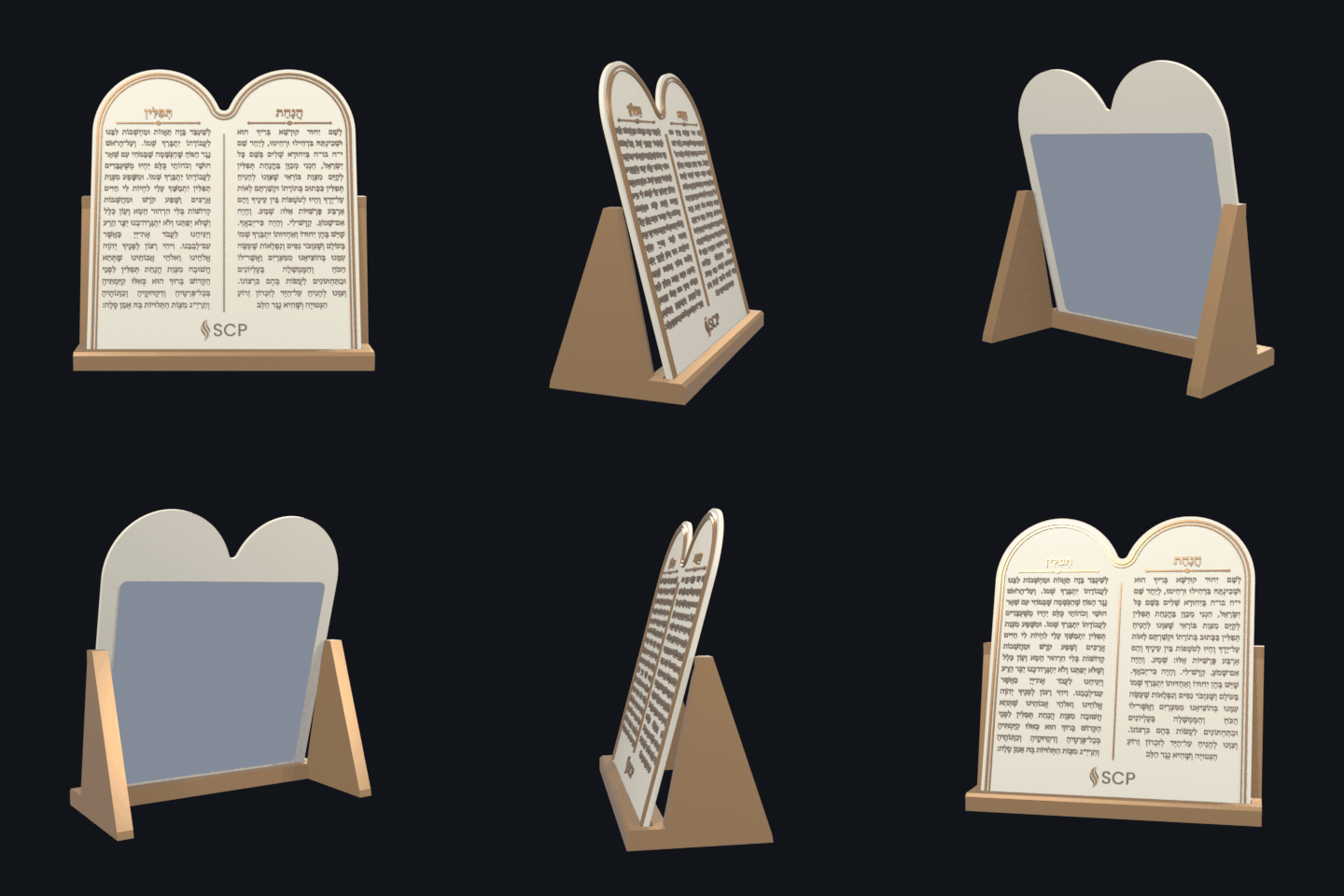
Luchot
לוּחוֹתShaped like the two tablets, the text in two columns, right to left. Sand-coloured "stone" with brown letters and a bronze frame, on a little easel.
- Card
- 112 × 124 × 2.8 mm
- With AMS
- ≈ 1 h 08 m · 28.8 g
- No AMS: pause at
- layers 10 and 13
- Body text
- 3.14 mm
- Back mirror
- 98 × 89 mm
- Easel stand
- ≈ 51 m · 18.8 g
Sizes, time and filament
Slips into a standard tefillin bag
A1 mini, A1, P1S, X1C (any bed ≥ 120 mm)
- With AMS / AMS lite
- ≈ 54 m
- Manual swaps (+ your 2 swaps)
- ≈ 52 m
- Filament in the card
- 19.9 g · 6.67 m
- navy
- 18.2 g
- white
- 0.8 g
- gold
- 0.9 g
- With AMS purge
- ≈ 22.4 g
- Body text size
- 2.64 mm
No AMS: start in navy, pause at layer 9 for white and at layer 12 for gold (0.2 mm layers).
Standard
105 × 150 × 3 mmFits a tallis-and-tefillin bag
A1 mini, A1, P1S, X1C (any bed ≥ 160 mm)
- With AMS / AMS lite
- ≈ 1 h 18 m
- Manual swaps (+ your 2 swaps)
- ≈ 1 h 16 m
- Filament in the card
- 35 g · 11.74 m
- navy
- 32.4 g
- white
- 1.3 g
- gold
- 1.3 g
- With AMS purge
- ≈ 37.5 g
- Body text size
- 3.46 mm
No AMS: start in navy, pause at layer 11 for white and at layer 14 for gold (0.2 mm layers).
Display
160 × 230 × 3.4 mmShtender / desk plaque
A1, P1S, P1P, X1C, H2D (256 mm bed) — too big for the A1 mini
- With AMS / AMS lite
- ≈ 2 h 31 m
- Manual swaps (+ your 2 swaps)
- ≈ 2 h 29 m
- Filament in the card
- 83.6 g · 28.05 m
- navy
- 78.3 g
- white
- 2.3 g
- gold
- 2.9 g
- With AMS purge
- ≈ 86.1 g
- Body text size
- 5.27 mm
No AMS: start in navy, pause at layer 13 for white and at layer 16 for gold (0.2 mm layers).
Times and grams are worked out from the model's geometry with Bambu's default 0.20 mm Standard profile on a 0.4 mm nozzle, including about six minutes of heating and bed levelling and the colour changes. Trust them to within about 20%; Bambu Studio gives the exact figure once you slice.
Optional: a stand
A sloped plinth with a slot the card drops into, leaning back 12°, for a shelf, a desk or the shtender between uses. The front lip only covers the frame below the shin, and the slot fits the card with or without its mirror. Print it flat in navy (or gold), no supports; 3 walls and 15% infill.
Pocket stand
89.1 × 30.5 × 12.9 mm- Print time
- ≈ 36 m
- Filament
- 12.4 g · 4.16 m
- Slot
- 4.1 mm
Standard stand
117 × 40 × 16.2 mm- Print time
- ≈ 1 h 09 m
- Filament
- 26.4 g · 8.86 m
- Slot
- 4.5 mm
Display stand
178.3 × 61 × 23.4 mm- Print time
- ≈ 3 h 36 m
- Filament
- 87.7 g · 29.42 m
- Slot
- 4.9 mm
Printing with an AMS (A1 mini + AMS lite, X1C, P1S)
- Open the 3MF in Bambu Studio. If it asks, load it as one object with multiple parts. (With the STLs: import all three at once and say yes to "single object".)
- In the object list, set the parts navy → slot 1, white → slot 2, gold → slot 3.
- Profile: 0.20 mm Standard (or 0.16 mm for crisper nikkud), 3 walls, 15% infill. Leave it flat on the plate, text up.
- Use a smooth PEI plate if you're adding the mirror: the adhesive grips a smooth back best. (A textured plate gives a nice finish if you're not.)
- Only the three or so relief layers have two colours, so there are just four filament changes.
Printing without an AMS (any single-nozzle printer)
- Import the 3MF or the three STLs as one object, then slice in a single filament.
- On the layer slider, right-click the layer from the size card above and choose Add pause (or Change filament): once where white starts, once where gold starts.
- Load navy and print. At the first pause swap to white, at the second to gold.
- Seen from the top every part comes out in its own colour; the gold pieces just have a thin white band on their sides.
The pocket card's text is small (2.5 mm). A 0.4 mm nozzle prints it readably; a 0.2 mm nozzle makes the nikkud crisp. The standard and display sizes are comfortable on 0.4.
Other things to make with it
The same artwork as a flat file, for a laser, a vinyl cutter or plain paper. Machine sizes and materials below are from the Skokie Public Library Studio and its approved-materials lists; any makerspace with the same machines works the same way.
Flat artwork (SVG, true size in mm)
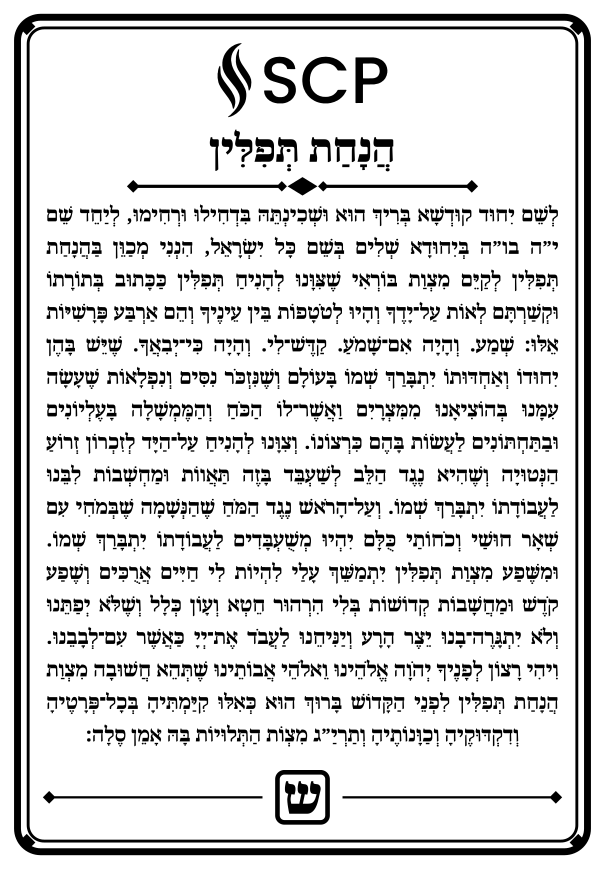
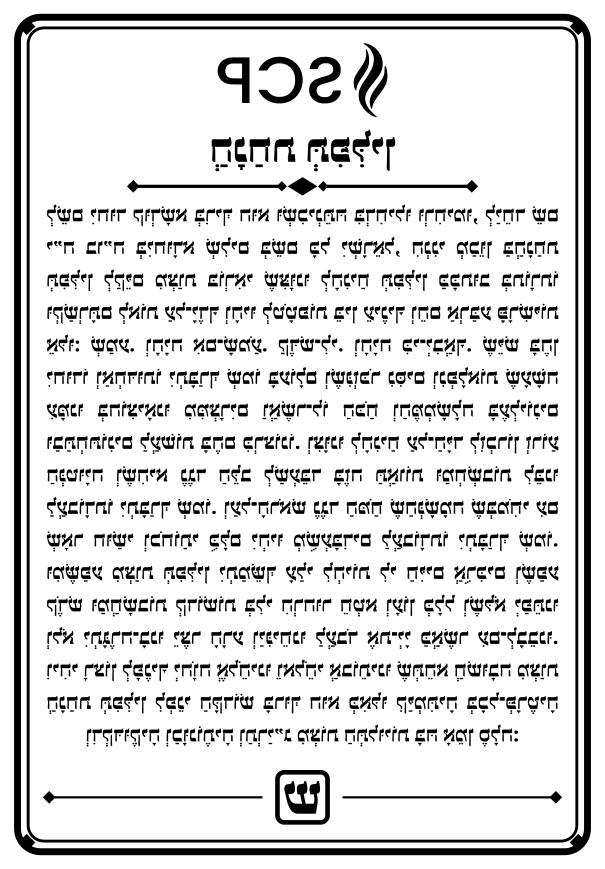
Black fill = engrave (text, frame, logo). Red hairline = cut the outline. Mirrored versions are for engraving the back of clear acrylic.
Pocket 80 × 115 mm
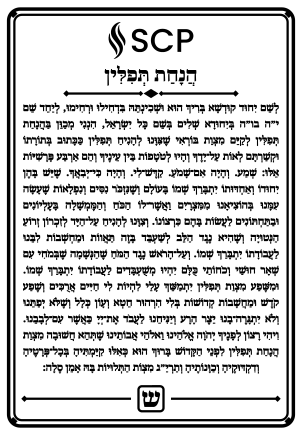
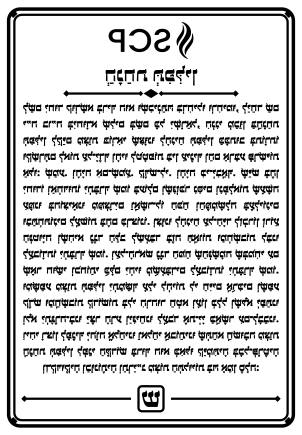
Standard 105 × 150 mm
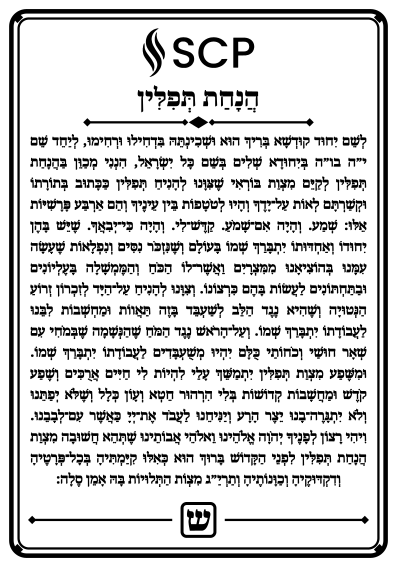
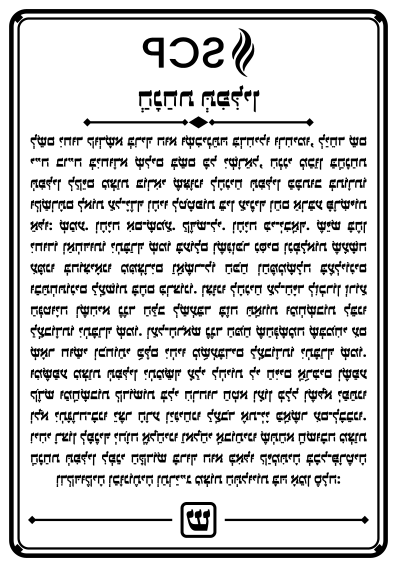
Display 160 × 230 mm
Laser-engraved wood
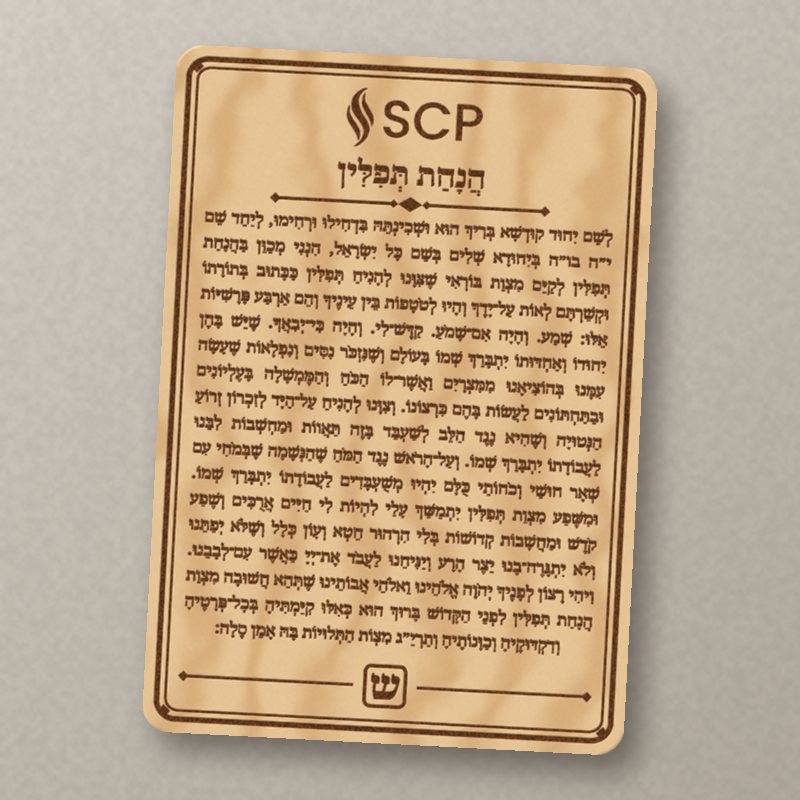
Engrave the black and cut the red line from 3 mm (⅛″) maple or birch ply. Dark text on pale wood, no colour changes, and the pocket text stays sharp because a laser has no nozzle to round it off. Seal with a wipe of oil or wax so hands don't grey it.
- Epilog Fusion Edge
- bed up to 12 × 24″ (305 × 610 mm), 6.5″ thick
- Glowforge Pro HD
- 40–45 W, up to 18 × 10″ (457 × 254 mm); over ½″ needs staff OK
All three sizes fit both.
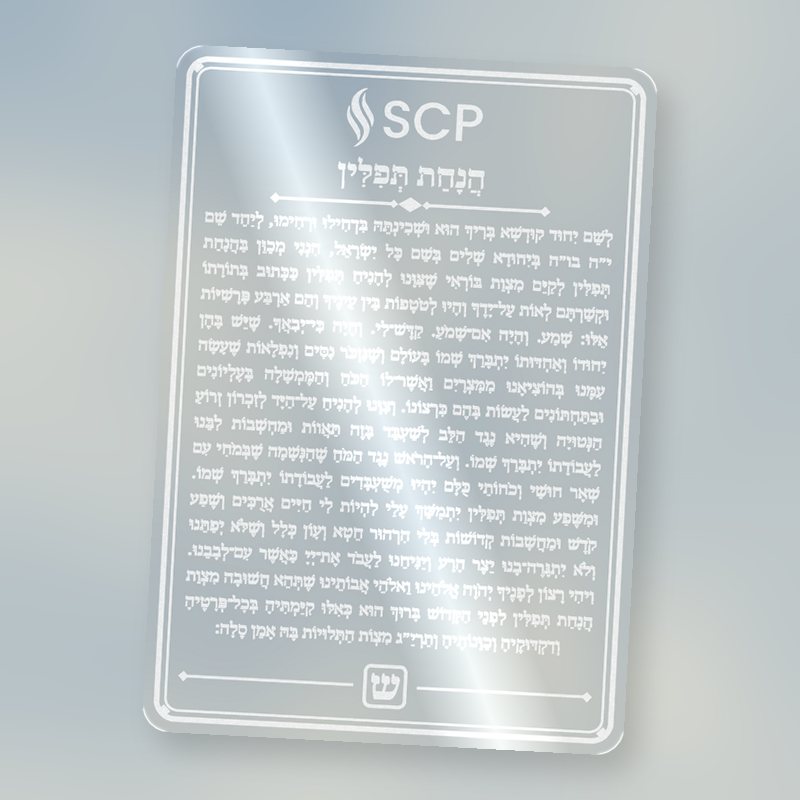
Clear acrylic, engraved from behind
Put 3 mm clear cast acrylic in face down and run the mirrored SVG: the frosted letters read the right way round through the sheet and the front stays glossy. Brush white or gold acrylic paint into the engraving from the back for colour. Looks best on the stand, in front of a window.
Acrylic is approved on both lasers. Self-adhesive mirror acrylic is not: the Glowforge allows nothing with an adhesive backing, so cut the back mirror by hand as above.
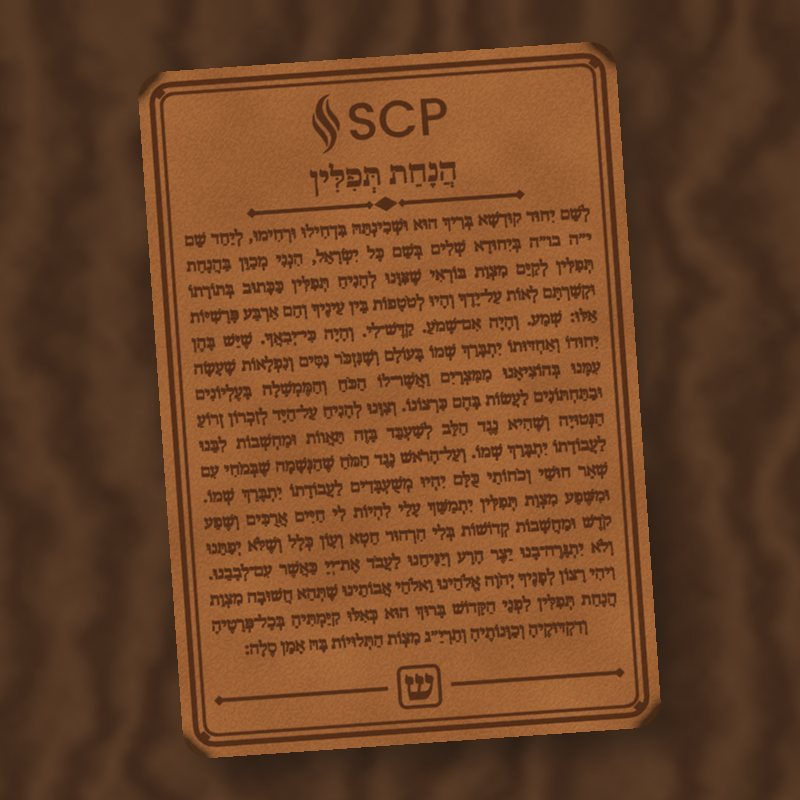
Leather, for the tefillin bag
Engrave the pocket size onto 2–3 mm vegetable-tanned leather. It bends instead of snapping, rides in the bag for years, and darkens nicely with use. Genuine leather is approved on both lasers; the Epilog list says leather is engrave only, so cut the outline with a knife and steel rule, or cut it on the Glowforge.
Not faux leather or PVC: vinyl gives off chlorine under a laser.
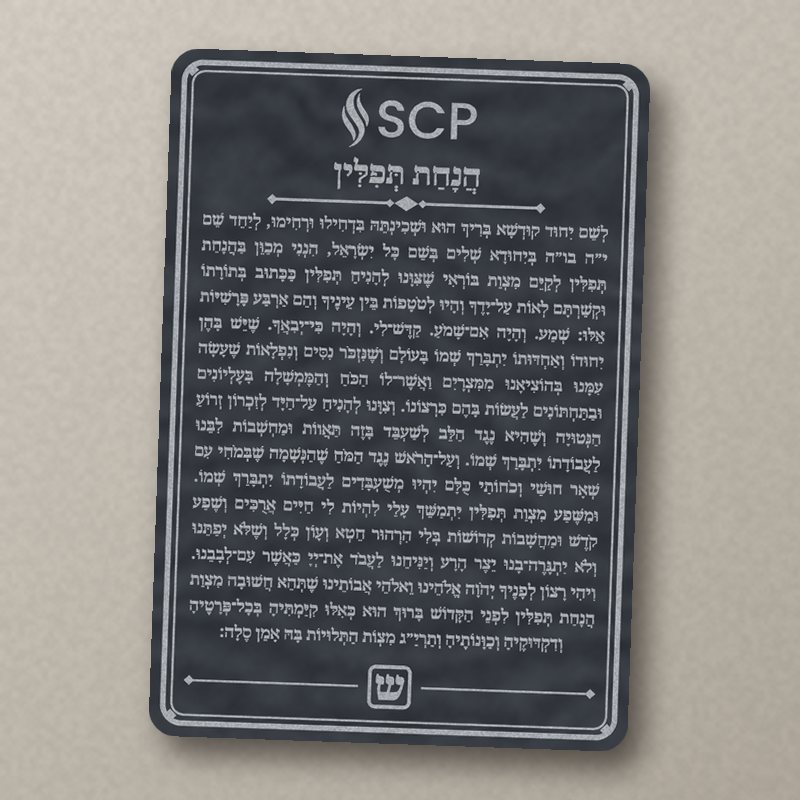
Slate or glass plaque
Engrave the display size (160 × 230 mm) onto a slate tile or a glass panel, with no cut line. Slate engraves pale grey on near-black, a close cousin of the navy card; glass frosts. Both are on the approved lists for both lasers. A kitchen-store slate cheese board fits the Glowforge.
For glass, cover the area with a damp paper towel or dish soap first for an even frost.
Vinyl: sticker or iron-on
Import the display SVG into Cricut Design Space or Silhouette Studio, hide the red outline and cut the black. Gold permanent vinyl goes on a tefillin box lid, a shtender or a bag's inner flap; iron-on (HTV) in gold goes on a canvas or cotton tallis-and-tefillin bag, pressed with the heat press. Mirror the design for HTV.
- Cutters
- Cricut Explore Air 2, Cricut Explore 5, Silhouette Cameo (about 11.5–12″ wide)
- Heat press
- LOKLiK auto, 15 × 15″
Only the display size: its 5 mm letters are about the smallest you can weed with nikkud. The smaller sizes' dots fall off the mat.
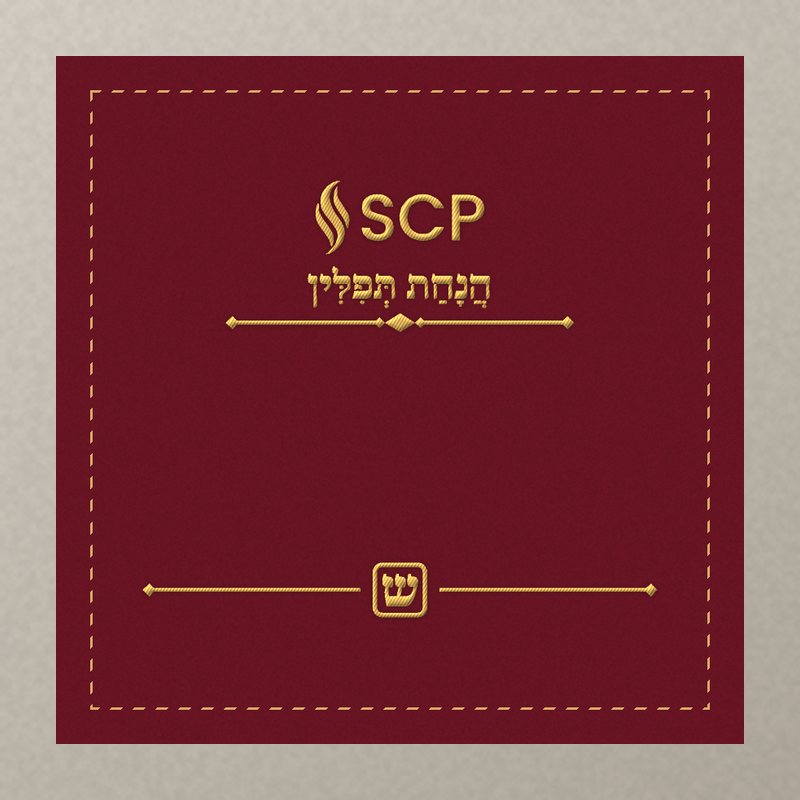
Embroidered bag
The full paragraph is too fine to stitch, but the title הֲנָחַת תְּפִלִּין, the shin in its box and a name stitch beautifully on a tefillin bag. The Janome can digitize artwork, so trace the top and bottom of the card from the SVG.
- Janome MC 500E
- hoop up to 200 × 280 mm (7.9 × 11″), digitizes artwork
- Brother NQ1700E
- hoop up to 160 × 260 mm (6.25 × 10.25″)
- Approved fabrics
- cotton, canvas, denim, felt, faux fur, silk, suede and leather (≤ ⅛″)
Velvet, the classic tefillin-bag fabric, isn't on the list; use felt or canvas, or ask staff.
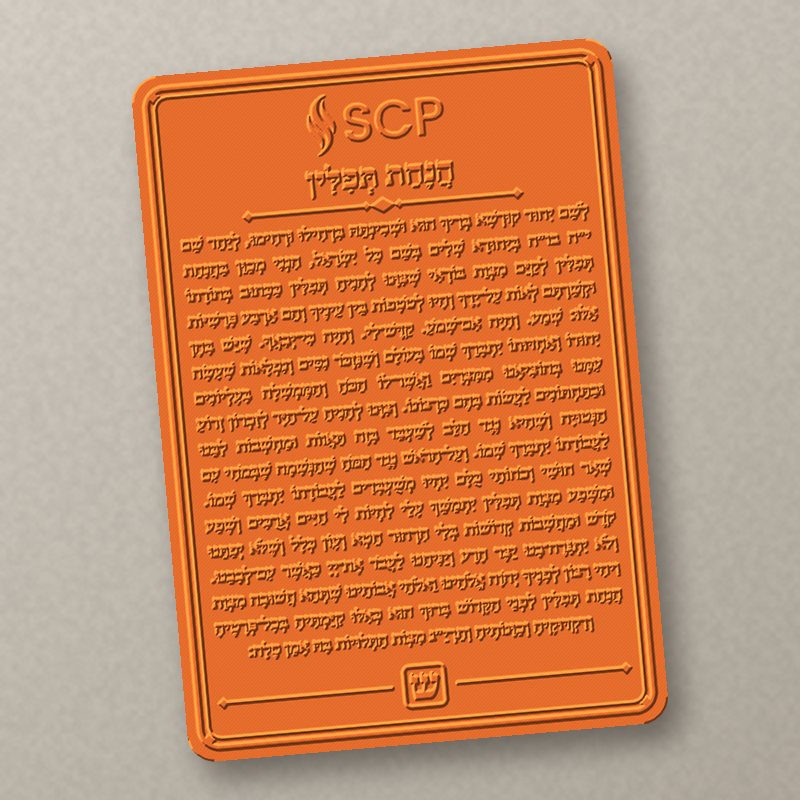
A free library 3D print
The Studio prints for free on a Bambu X1C, but in one colour of PLA it picks, from a single STL, at most two hours a job and two jobs a month. So send the one-colour STL below: the text still stands out in relief, and you can paint the raised letters later with a dry-brushed gold or white.
Bed 240 × 215 × 240 mm. The display card (≈ 2 h 20 m) runs over the two-hour limit; staff may scale it down. Allow 1–2 weeks.
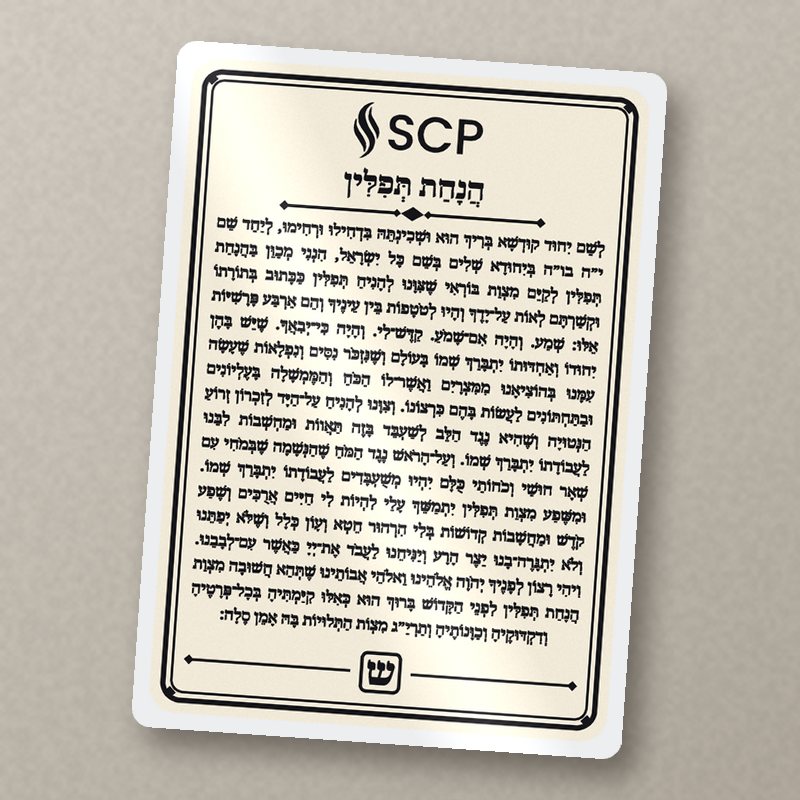
Laminated paper card
The quickest version: print the SVG at 100% on heavy cardstock (gold or ivory), trim on the red line and laminate. Lasts a year or two in a bag, costs nearly nothing, and you can make a dozen for a bar mitzvah class.
The Studio laminator takes up to 11 × 17″, so a sheet of four standard cards goes through in one pass.